Free with an account
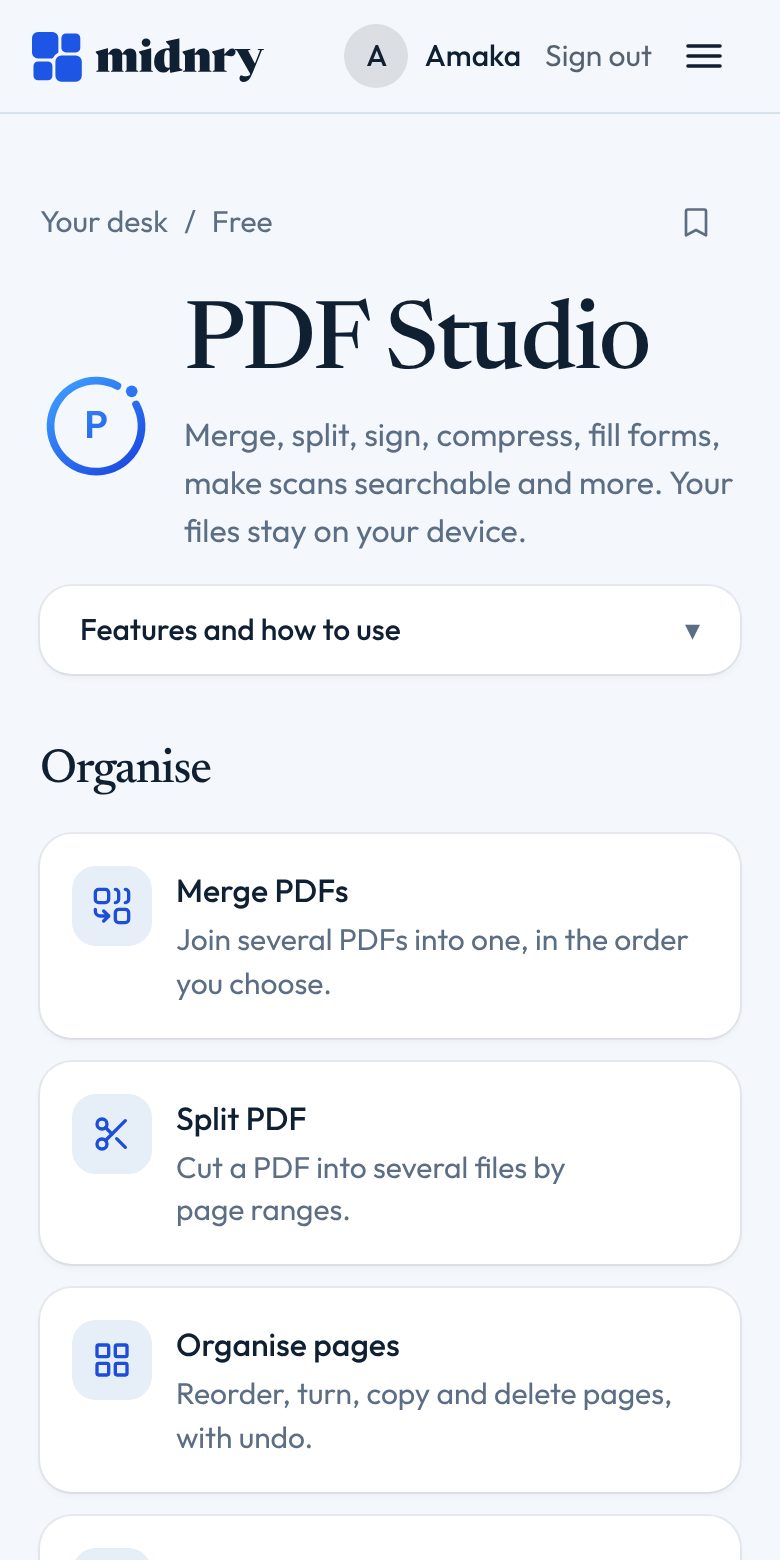
PDF Studio
Merge, split, sign, compress, fill forms, make scans searchable and more. Your files stay on your device.
Have an account? Sign in
Works in your browser, on your phone and your computer. Nothing to install.
What you can do
What PDF Studio does for you
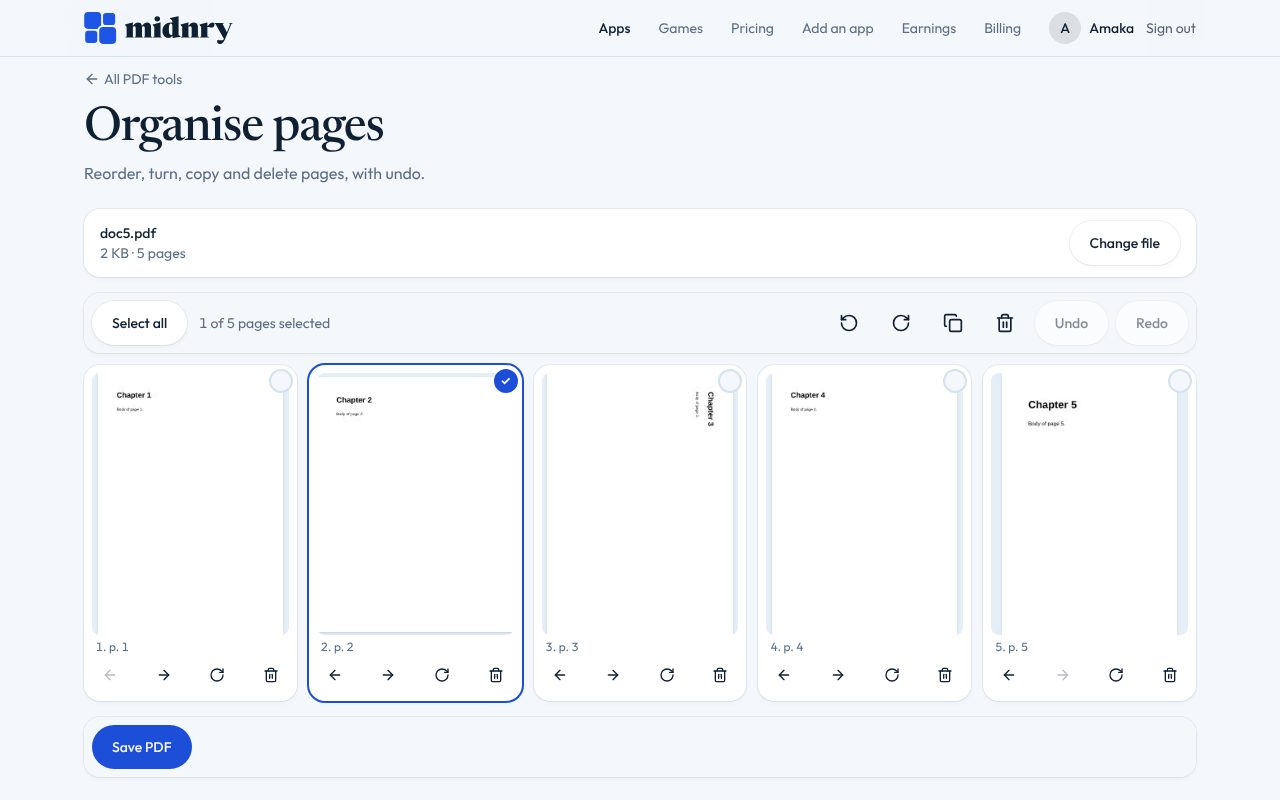
Merge, split, reorder, rotate, remove and extract pages, with undo
Images to PDF, PDF to JPG or PNG, the pictures inside a PDF, and PDF to Markdown
Add text, boxes and pictures; sign; watermark; page numbers; crop
How it works
Three steps
Step 1
Pick a tool, such as Merge PDFs or Compress.
Step 2
Choose your file, or drop it on the box.
Step 3
Set the options, then press the button under them.
What you need
Free with an account
Create a Midnry account with your email and PDF Studio is yours. No card needed.
- Why an account
- Free apps open when you are signed in to a Midnry account.
- With Midnry Pass
- Adding a password to a PDF, unlocking a PDF you have the password for, and redacting for good, for $5 a month.
Related
Goes well with
Invoice
Free with an accountInvoices, quotes and proposals for client work: numbered, searchable, ready to print.
Learn moreApply
Included with Midnry PassPaste a job advert, see what your CV covers and what it’s missing, then apply on LinkedIn.
Learn moreRemind
Free with an accountReminders in plain words. Type “pay rent every 25th” and it just works.
Learn more