
DevelopersFree with an account
Remind
Reminders in plain words. Type “pay rent every 25th” and it just works.
Works on your phone and your computer. Nothing to install.
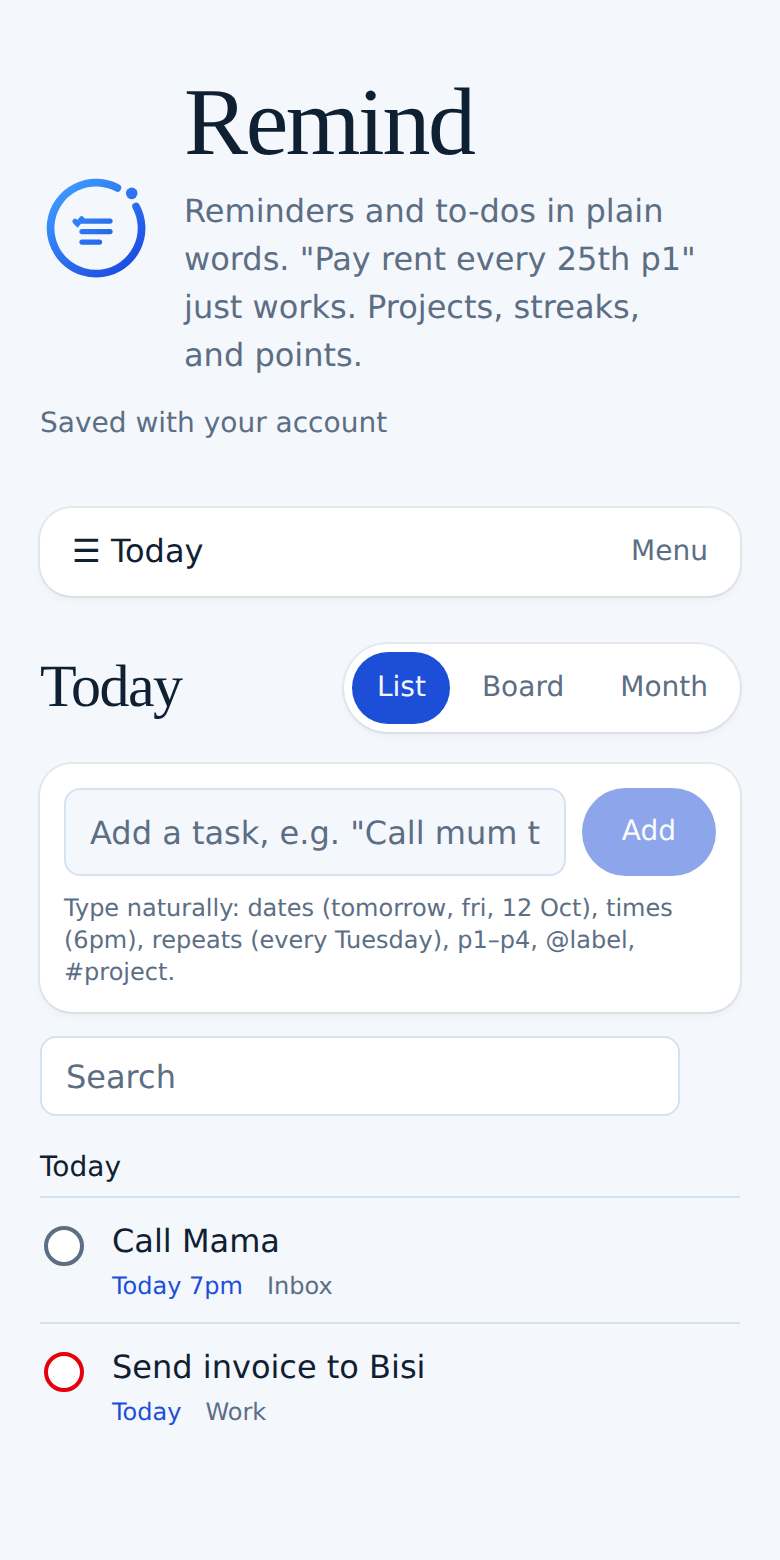
See it in action
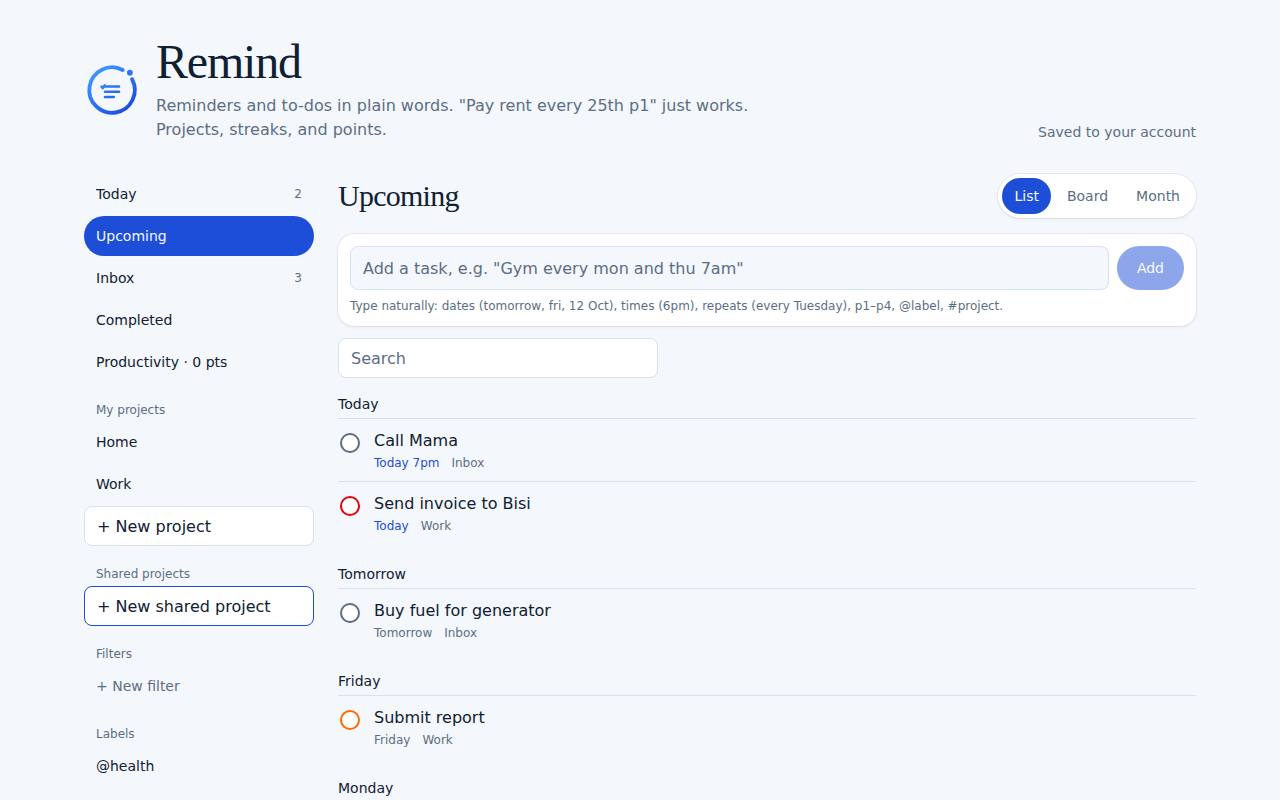
What you can do
- Type naturally: "call mum tomorrow 6pm @home" sets the date, time, and label
- Repeats like every Tuesday, every weekday, every 2 weeks, or every 15th
- Projects, sections, sub-tasks, colour-coded priorities, labels, and saved filters
- Comments on tasks, and Productivity with daily and weekly streaks
- Midnry Points and levels for every task you finish
- With Midnry Pass: shared projects, assigning tasks, file attachments, and a Google or Apple Calendar link
How it works
- 1Type a task in the box and press Add. Words like tomorrow, 6pm, every Friday, p1, @label, and #project are picked up for you.
- 2Use Today and Upcoming to see what's due. Tick the circle to finish a task and earn points.
- 3Tap a task to add notes, sub-tasks, comments, a time, a repeat, or labels.
- 4Make projects and sections in the menu, and save filters for the views you use most.
- 5Open Productivity to see your streaks and set daily and weekly goals.
- 6With Midnry Pass, share a project, invite people by email, assign tasks, attach files, and add your calendar link under Settings.
Ready to try Remind?
It's free with a Midnry account. Sign up with your email or Google, no card needed.