
Retail & ShopsFree with an account
Stock
What you have, and a line when it is low.
Works on your phone and your computer. Nothing to install.
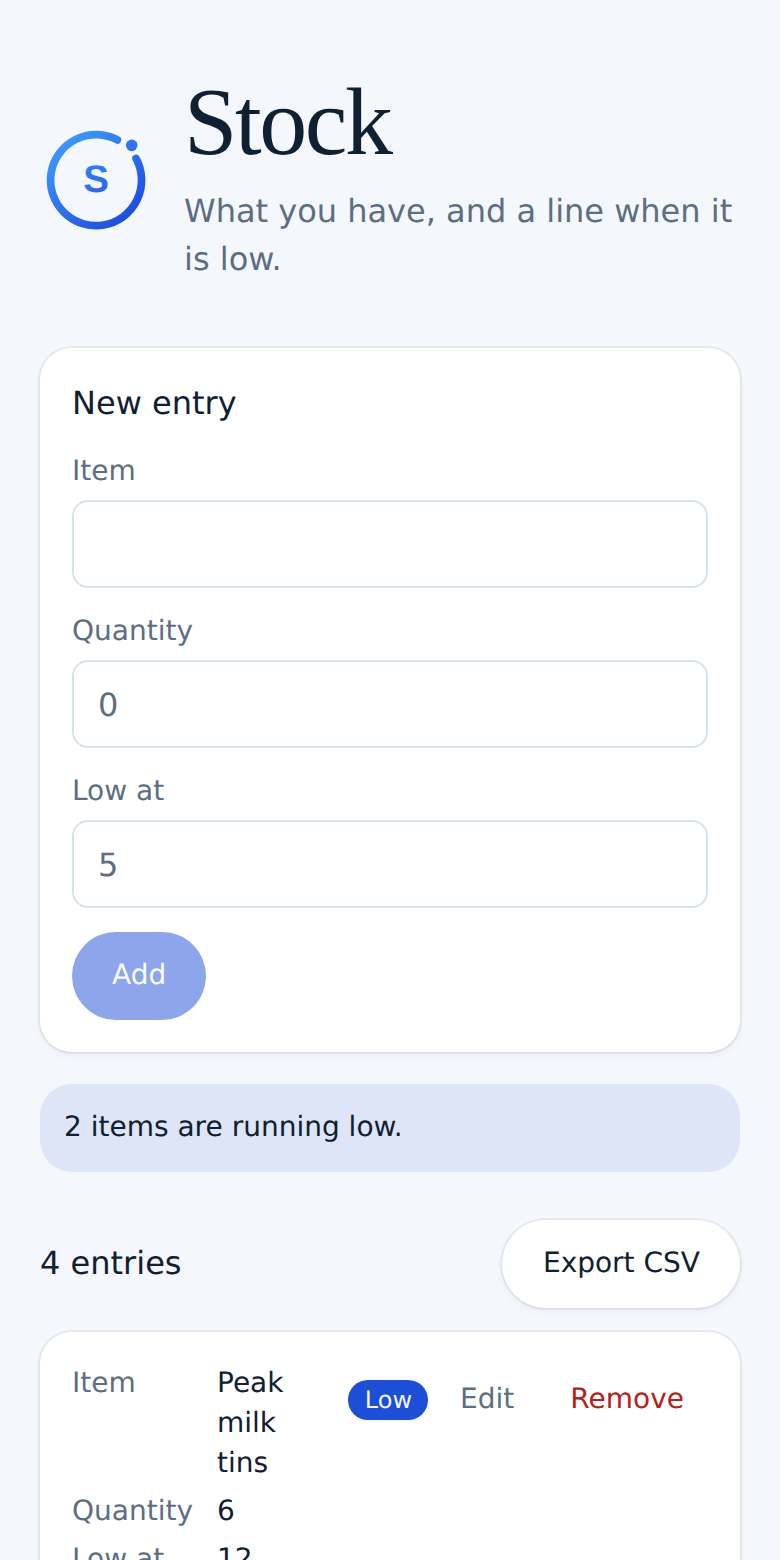
See it in action
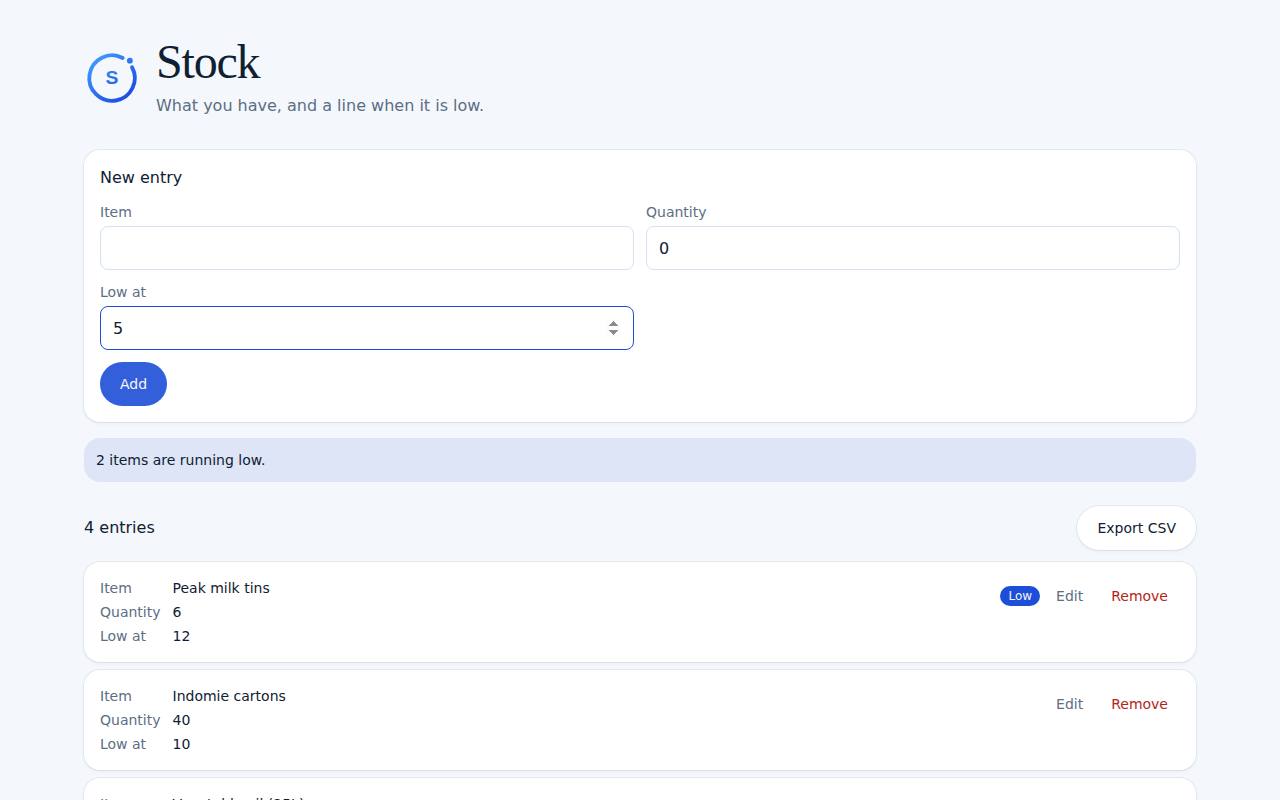
What you can do
- Item, quantity, and a low mark
- A flag when quantity is at or under the mark
- Saved with your account
How it works
- 1Add the item and how many you have.
- 2Set the number that means low.
- 3Update the quantity when stock moves.
Ready to try Stock?
It's free with a Midnry account. Sign up with your email or Google, no card needed.