
Online sellersFree with an account
Orders
Who ordered, what, and whether it has gone out.
Works on your phone and your computer. Nothing to install.
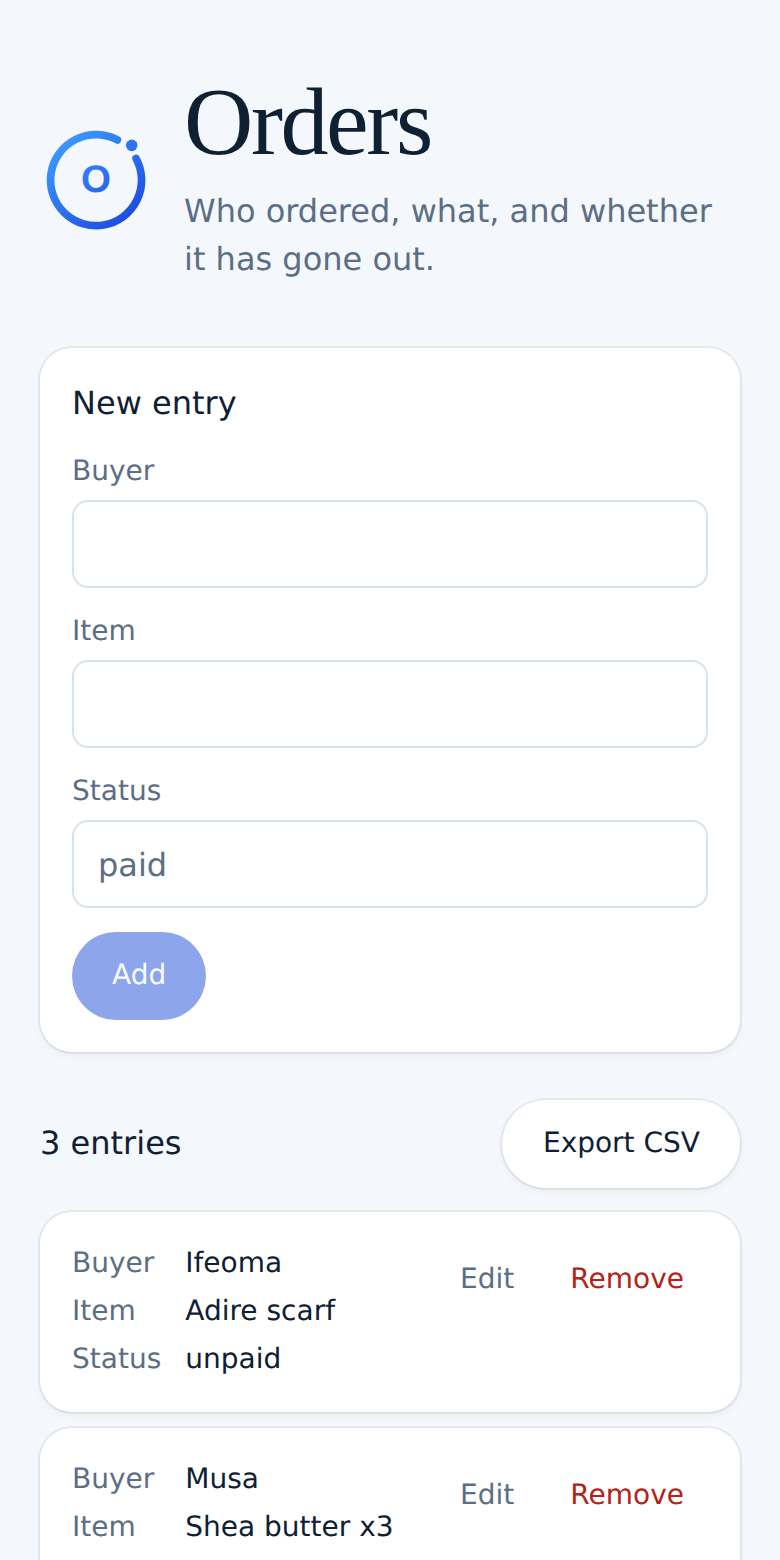
See it in action
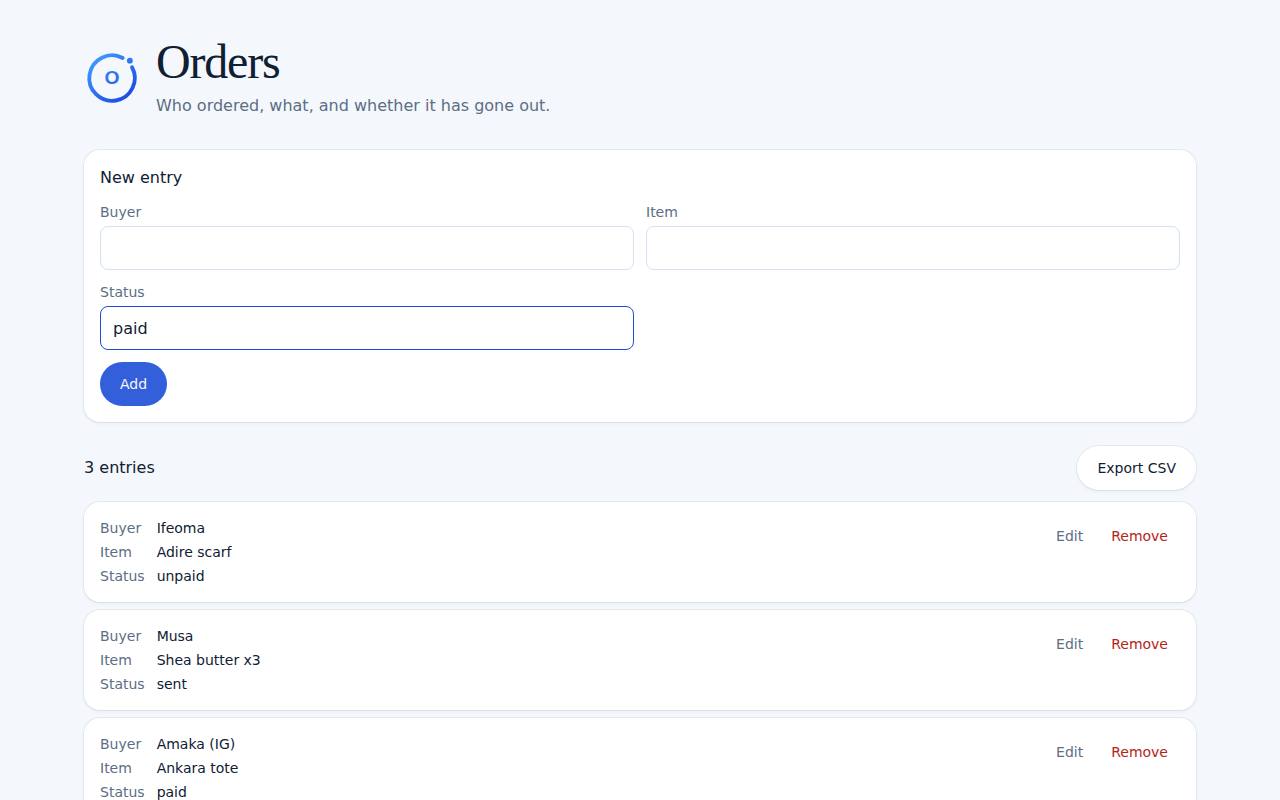
What you can do
- Name, item, and status
- Saved with your account
- A list you can scan
How it works
- 1Add the buyer and the item.
- 2Set the status, such as paid or sent.
- 3Update the row when it changes.
Ready to try Orders?
It's free with a Midnry account. Sign up with your email or Google, no card needed.